Start with the routine
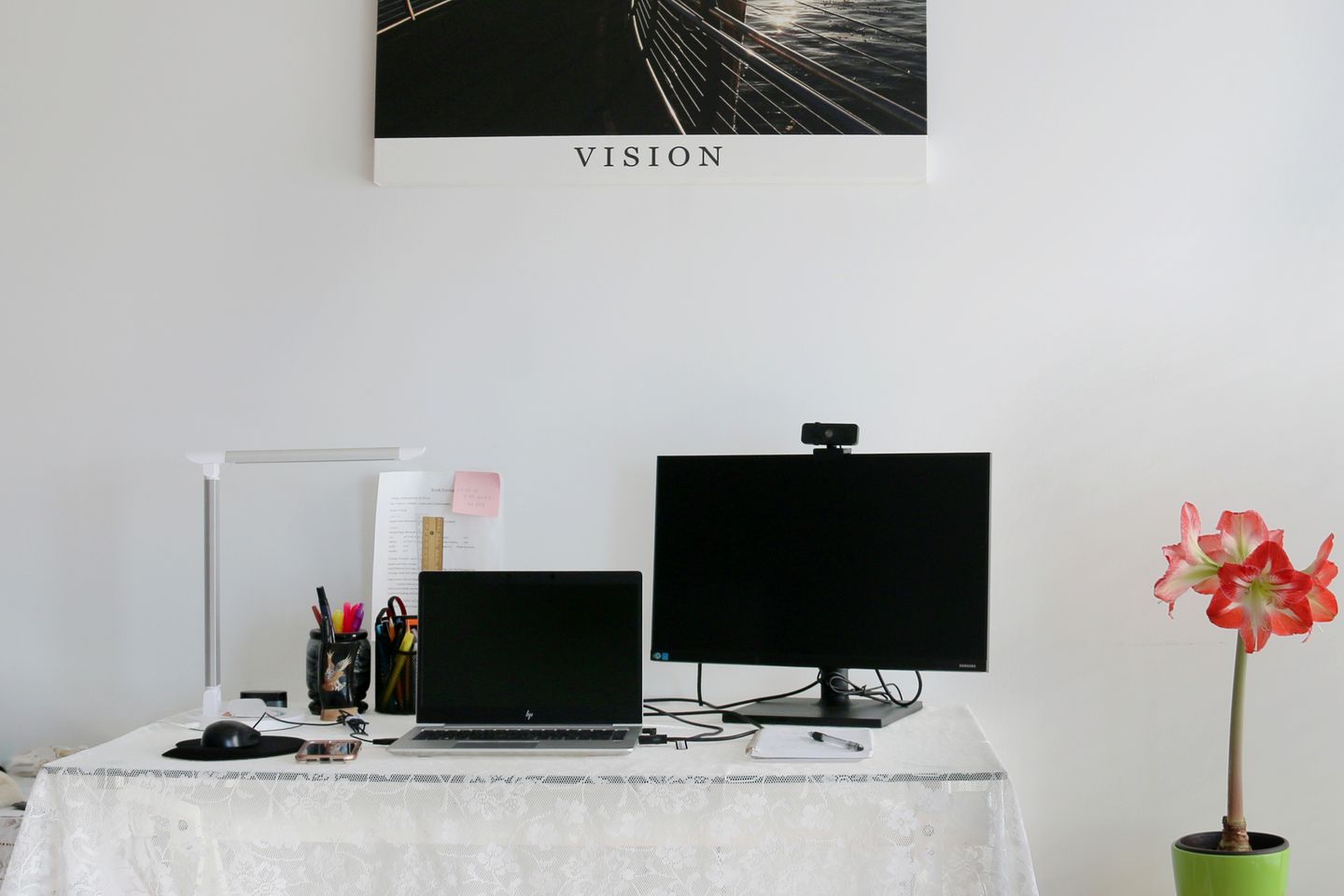
A call can begin at the kitchen table, in a spare room, or between other people moving through the home. A webcam helps only if it sits near eye level, faces useful light, and does not reveal more of the room than the caller intends.
What to compare before you buy
Try the laptop’s built-in camera from the spot where calls usually happen before adding equipment. If you need a separate webcam, compare mounting options, field of view, low-light guidance, microphone behavior, privacy shutter, and operating-system support. Place the camera close to the screen so eye movement feels natural, then use a window or lamp in front of you rather than behind. Review the app’s video settings and the home network before paying for resolution that your calls cannot use.
A practical buying checklist
Keep these checks beside the product page while you compare current options:
- Test the built-in camera and available call apps from the real work location.
- Measure the screen bezel or monitor arm where the webcam will clip or mount.
- Check resolution, frame-rate, field-of-view, and USB requirements on the model page.
- Use a privacy shutter or unplug routine if the camera will remain attached.
The trade-off to make visible
A separate camera can improve placement flexibility but adds another cable and device to manage. A wide view shows more of a shared space, which can be useful for movement and less suitable for a private work corner.
A good fit when
People who make frequent calls from the same desk and can identify what the built-in camera fails to do.
Think twice when
Anyone expecting a webcam alone to fix poor room lighting, weak internet, or an inconvenient camera angle.
Lifeperch takeaway
People who make frequent calls from the same desk and can identify what the built-in camera fails to do. Before ordering, verify the product’s current dimensions, compatibility, and return terms on the retailer’s listing.
Check current optionsCommon questions
Do I need a 4K webcam for work calls?
Many call services and network conditions limit the video they transmit. Check the software requirements and the image quality you need before prioritizing 4K.
Where should a webcam sit?
A position near eye level and close to the display usually makes it easier to look toward the camera while viewing the call.
Lifeperch guides are designed to help you compare fit and trade-offs. We do not claim hands-on testing unless a guide explicitly says it took place.
Read the affiliate disclosure